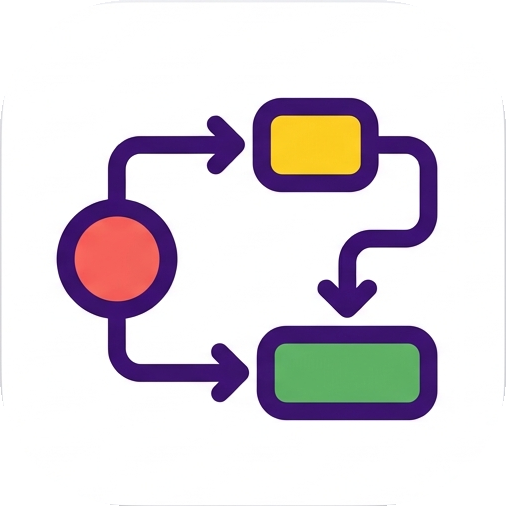
Every child condition must be satisfied. Use it when two checks are both required.
Documentation
Keep the next step understandable.
saGraph is a small desktop task panel for work that has prerequisites. This guide explains the model behind the interface and the shortest path from a blank panel to a useful workflow.
01 · The basic model
A task is more than a checkbox.
Each task has a title, a category, a completion state, and optionally a prerequisite expression. When the expression is satisfied, the task is ready. When it is not, saGraph keeps the task visible but explains that it is locked.
Categories group related tasks. They can represent a project, a routine, or a workflow such as “Release 0.2”. The compact panel is for changing state quickly; the editor is for shaping the workflow.
02 · Dependencies
Describe the condition, not just the order.
Dependencies are built from tasks and three logical operators. They are useful when a task can unlock through more than one route.
ANDPublish release
Build signed package
Run smoke test
Both conditions must be complete.
At least one child condition must be satisfied. Use it for alternative ways to proceed.
The child condition must not be satisfied. Use it for an explicit exception or blocker.
03 · A practical workflow
Start with one chain you already know.
- Create a category.Give the workflow a name that makes sense when you see it tomorrow.
- Add the tasks.Use concrete verbs: “Write migration”, “Review migration”, “Deploy staging”.
- Add prerequisites.Open the editor and express which tasks need to be done first.
- Work from the ready state.Check off completed tasks and follow the next available step.
04 · Local data
Your task list is a desktop file, not a web account.
saGraph stores task data locally and supports import/export. The website is used for downloads, release information, and license activation; it does not host your task database.
Windows
dev.sagraph/data/data.jsonLinux
~/.local/share/saGraph/data/data.jsonPortable mode
<app directory>/data/data.json05 · Version 0.1.0
What is available today.
The first release includes the compact task panel, categories, AND/OR/NOT prerequisite editing, a separate dependency graph, import/export, system theme support, single-instance behavior, and startup/tray options. Platform packaging is available for Windows, Linux, and macOS builds; the release page shows the artifacts currently published.
The product is early and intentionally focused. More workflow management and graph interaction are planned as the core model gets exercised by real projects.